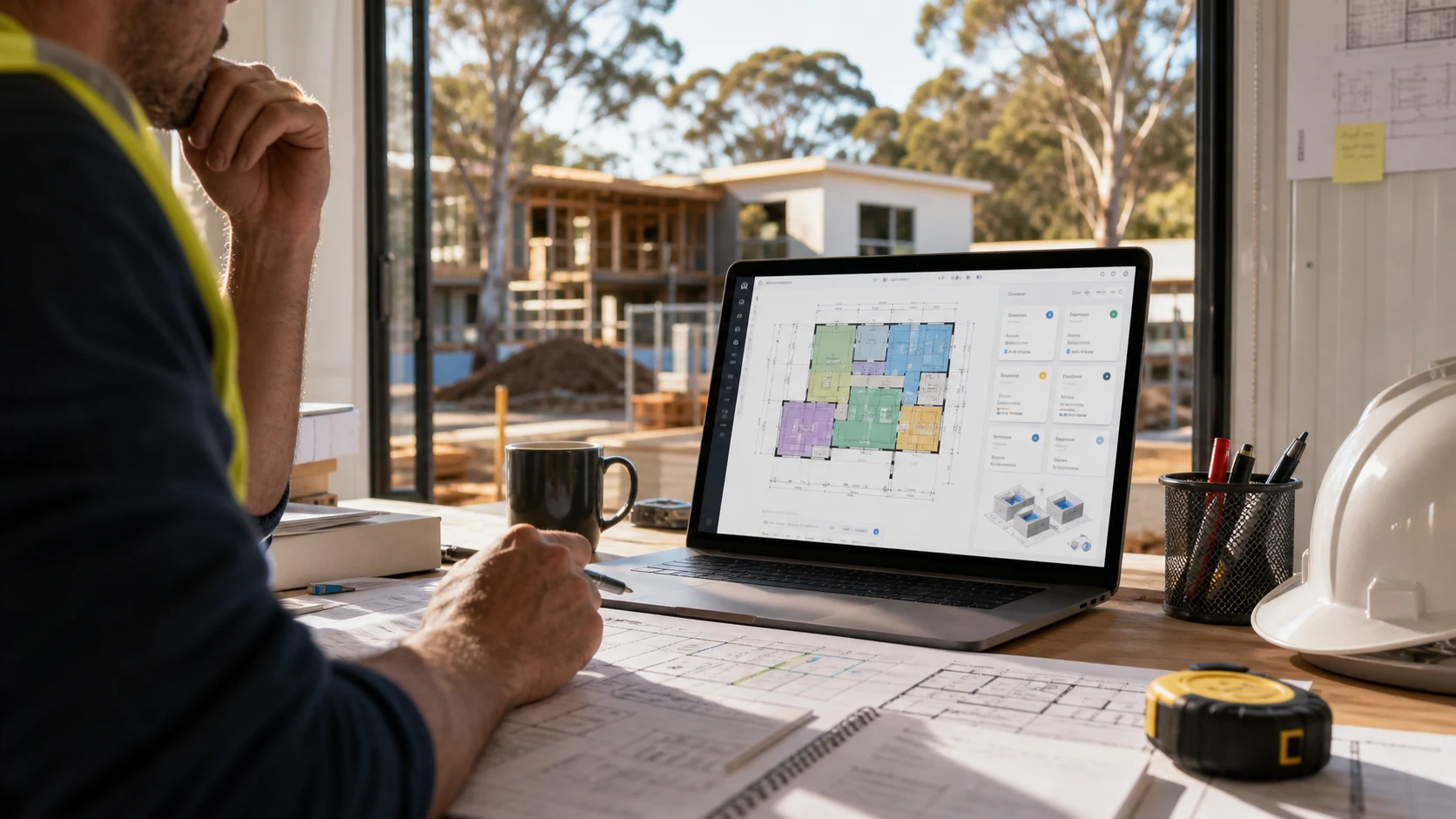
Cloud-based takeoff software lets contractors measure plans and manage estimating work in the browser without installing desktop software.
For small contractors, that matters. You can work from Mac, iPad, PC, office, or site without depending on one installed machine.
Metres.ai is cloud-based takeoff software built for builders and tradies who want digital takeoffs, quote-ready outputs, and simple pricing at $20/month.
What No-Install Takeoff Software Should Do
A useful cloud takeoff tool should let you:
- upload plans
- set scale
- measure areas and lengths
- count items
- organize quantities by project
- access the job from different devices
- prepare quote-ready information
The point of cloud software is not only avoiding installation. It should also make the estimating workflow easier to continue from wherever the job needs attention.
Why Contractors Choose Cloud Tools
Cloud tools are useful when:
- you use Mac or iPad
- the team uses mixed devices
- you work from office and site
- you want faster setup
- you do not want to manage desktop software
- you need project information available from more than one place
This is especially important for small contractors, where the estimator may also be the builder, owner, or project manager.
How Metres.ai Works
Metres.ai runs in the browser. You upload your plans, set scale, measure quantities, and keep the project organized in the cloud.
It supports common plan inputs such as PDFs and image files. It also includes AI-assisted room segmentation, helping create a starting point on suitable floorplans before the estimator reviews and finalizes the work.
No Installation, Less Friction
Desktop software can work well, but it adds setup and device friction. If the software only exists on one computer, the workflow becomes harder to share and harder to continue from another place.
With browser-based software, you can get started faster and keep projects accessible across devices.
Frequently Asked Questions
What is the best cloud-based takeoff software with no installation?
For small contractors, the best cloud-based takeoff software should be easy to learn, run in the browser, support common plan files, and connect measurements to estimating. Metres.ai is built for that workflow.
Does Metres.ai require installation?
No. Metres.ai runs in the browser, so there is no desktop installation required.
Does cloud takeoff software work on Mac?
Yes. Browser-based takeoff software like Metres.ai works on Mac, iPad, PC, and other devices with a modern browser.
Is cloud takeoff software good for small contractors?
Yes. Cloud takeoff software can help small contractors work faster, stay organized, and avoid locking estimating work to a single desktop machine.